Instant Webhook Debugging — No Tunnels Required
Get a unique URL in one click. Paste it into your webhook config. Watch every payload land in real time. Built for developers who ship fast.

Why developers choose Hookly
Everything you need to catch, inspect, and replay webhooks
Hookly gives you a public URL that forwards incoming webhook payloads to your dashboard instantly. No tunneling software, no port forwarding, no configuration headaches. Just paste and watch.
One-Click Endpoint
Generate a unique https://hookly.app/v2/a3f8k2 URL in under a second. Each channel lasts 48 hours and can capture up to 5,000 events. Perfect for Stripe, GitHub, Slack, Shopify, and any service that fires webhooks.
Real-Time Event Stream
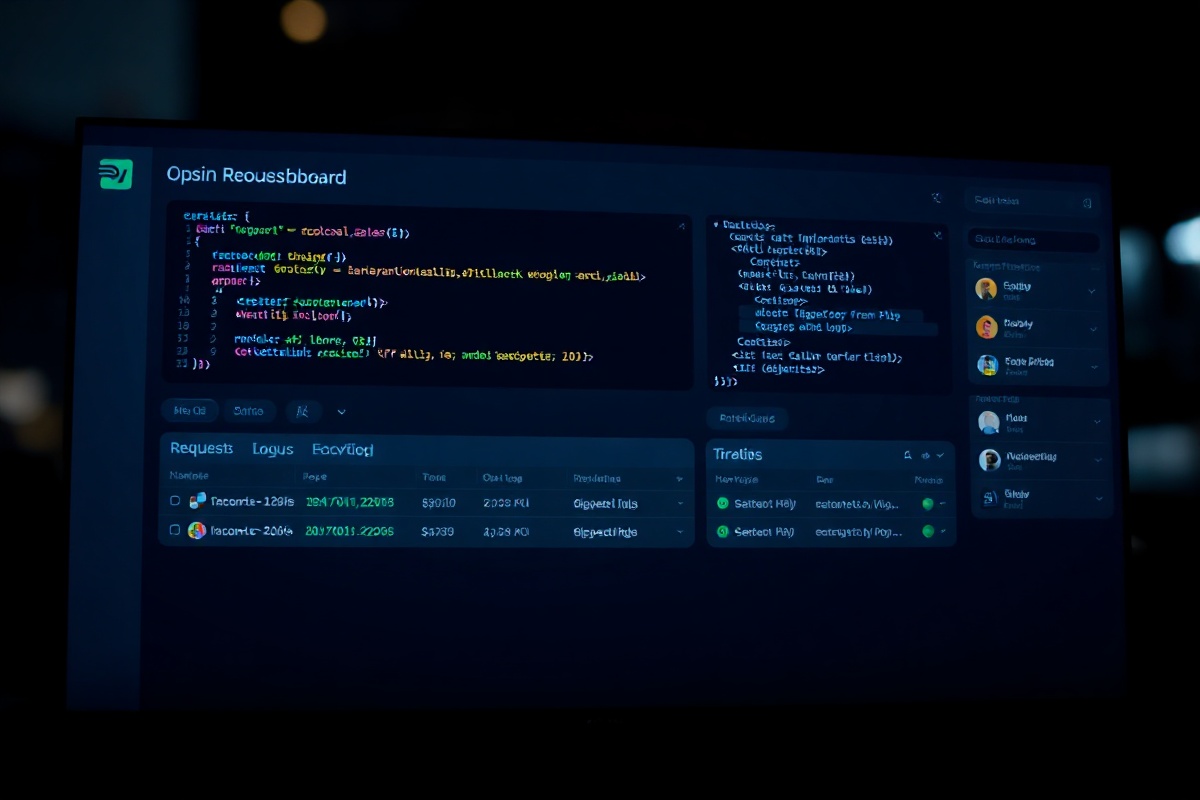
Watch payloads arrive live. Every request shows the full HTTP headers, JSON body, response status, and latency. Sort by timestamp, filter by event type, or search inside payloads with regex.
Instant Replay & Resend
Missed a retry? Click replay on any captured event and Hookly re-sends the exact same payload to your local server or a new destination. Preserve headers and signatures automatically.
Signature Verification
Hookly validates Stripe Stripe-Signature, GitHub X-Hub-Signature-256, Shopify X-Shopify-Hmac-SHA256, and custom HMAC signatures out of the box. See pass/fail status on every event.
JSON Diff & Schema Compare
Compare two webhook payloads side by side. Hookly highlights added, removed, and changed fields automatically — ideal for tracking API version changes or debugging integration regressions.
Team Channels & Sharing
Create shared channels for your team. Invite members via email, set read-only or admin roles, and export event logs as JSON or CSV. Integrates with Slack to push alerts on failed deliveries.
How it works
Three steps. Zero setup.
From zero to debugging in under 10 seconds. No account required for basic channels.
1. Create a Channel
Click "New Channel" and Hookly generates a dedicated URL like https://hookly.app/v2/m7x9p1. You can optionally name it "Stripe test" or "GitHub PRs" for your own reference.
2. Paste Into Your Webhook Config
Add the Hookly URL as the delivery address in your provider's webhook settings — Stripe, Shopify, GitHub, Zapier, SendGrid, or any HTTP endpoint. Set your event filters as usual.
3. Inspect & Debug Live
Triggers fire and payloads appear in your Hookly dashboard instantly. Click any event to expand headers, body, and metadata. Use replay, export, or share with your team.
By the numbers
Trusted by teams shipping integrations daily
2.4M Events Captured
Since launch in March 2024, Hookly has processed over 2.4 million webhook events across 18,000+ channels. Average uptime: 99.97%.
12ms Median Latency
From the moment a provider fires a webhook to when it appears in your dashboard — median delivery time is 12 milliseconds. Edge nodes in Frankfurt, Virginia, and Singapore.
4,200+ Active Developers
Engineers at companies like Ramp, Nango, and Plaid use Hookly daily. 89% of users report catching bugs within the first 5 minutes of debugging.
What developers say
Loved by integration engineers
"I used to spin up ngrok every time I debugged a Stripe webhook. Hookly replaced that entirely — I just grab a channel URL and paste it. The replay feature alone saved me hours last sprint."
— Maya Chen, Senior Backend Engineer at Ramp
"The signature verification view is a game-changer. I can see exactly why a Shopify HMAC check failed and fix the secret key mismatch in seconds instead of guessing."
— Tomás Herrera, DevRel at Plaid
"Our team uses shared channels for every integration we build. Being able to invite a teammate to a channel and export the event log as JSON makes code reviews so much smoother."
— Priya Sharma, Staff Engineer at Nango
Frequently asked questions
Common questions
Is Hookly free?
Yes. Basic channels are free — 48-hour lifetime, up to 5,000 events per channel, with real-time viewing and replay. Pro plans ($12/month) add persistent channels, unlimited events, team sharing, and Slack alerts.
How long are events stored?
Free channels retain events for the channel's lifetime (48 hours). Pro channels store events for 90 days. You can export any event as JSON or CSV at any time before expiration.
Can I forward webhooks to my own server?
Yes. In the channel settings, add a forward destination URL. Hookly will mirror every incoming event to your endpoint while still logging it in the dashboard. Useful for testing local services behind a firewall.
Which signature algorithms are supported?
Hookly natively validates Stripe, GitHub, Shopify, Squarespace, and Coinbase Commerce signatures. You can also configure a custom HMAC header with SHA-256 or SHA-512 and any secret key.
Start debugging webhooks in 10 seconds
No signup required. No software to install. Just a URL, a dashboard, and total visibility into every webhook your integrations send.